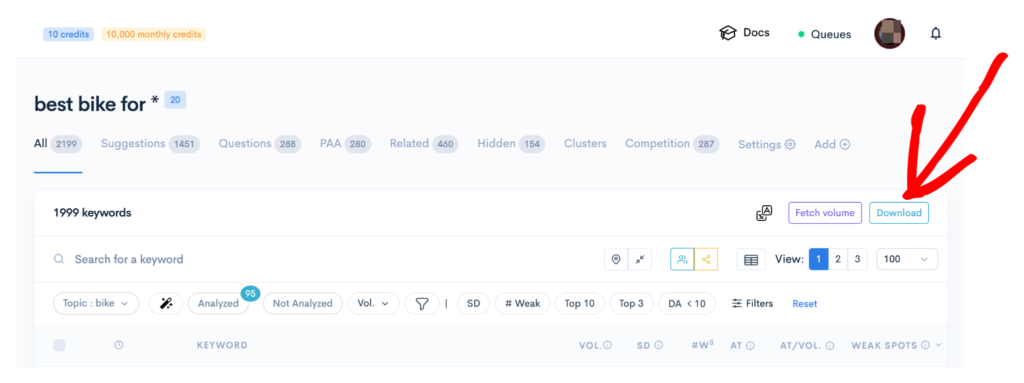
You can easily download the reports you generate in LowFruits by following a few simple steps. This guide will walk you through the process of exporting your keyword or SERP data into an Excel-compatible format.
Downloading Your Report
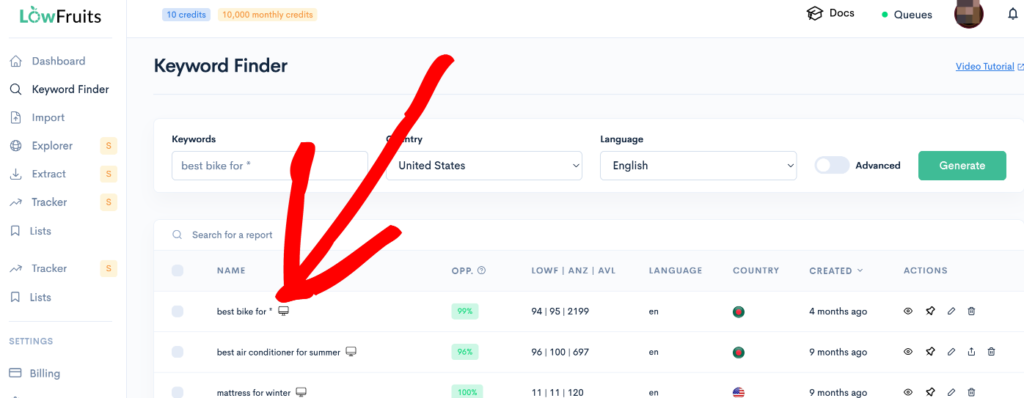
- Open the report you wish to download by selecting it from the Keyword Finder sidebar menu.
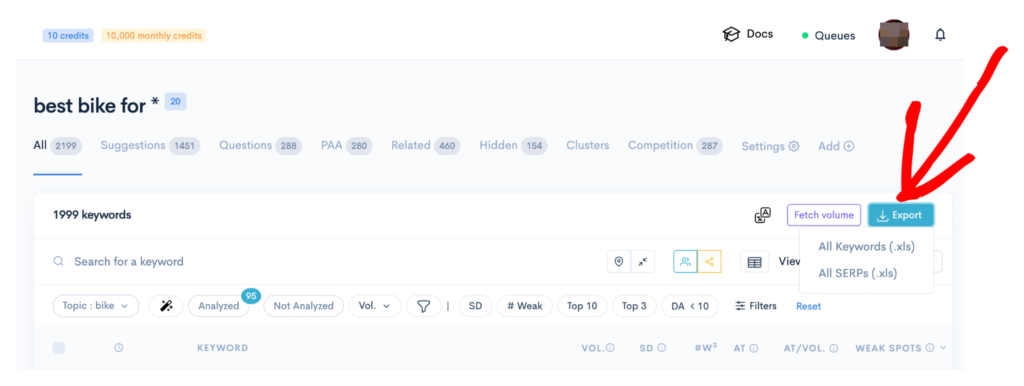
- Click on the Export button.
- Select the desired file format for your download: All Keywords (.xls) or All SERPs (.xls).
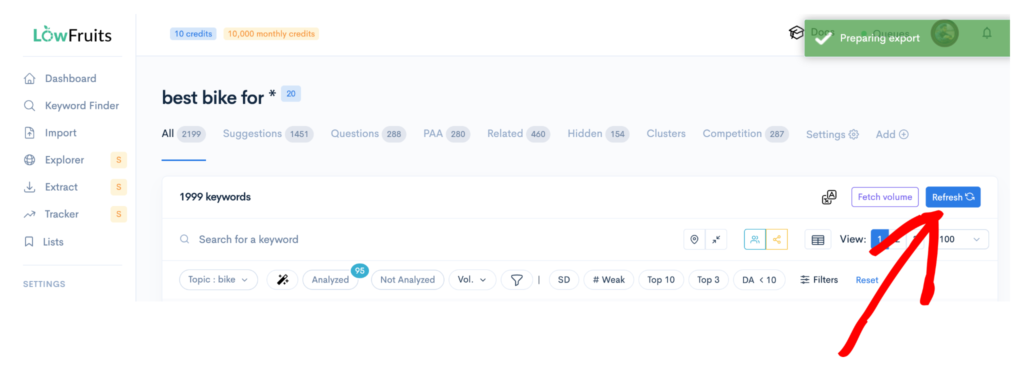
- Wait a few seconds. The Export button will change to Refresh. Click on the Refresh button to update the report.
- The button will now display Download. Click the Download button to save the report to your computer.