#1 Allintitle & KGR Tool
Extract Allintitle & KGR Data in Seconds
Identify low-competition keywords where you can rank high with less effort using real-time allintitle data and Keyword Golden Ratio (KGR) metrics.

Allintitle
Data

KGR
Metrics

Competition Scanner

Difficulty Scoring

Traffic Estimates

Real-Time Analysis


Turn Complex Competition Analysis Into Simple Opportunity Scores
Let LowFruits handle the technical analysis of title tags and competition metrics. Get clear, actionable insights into which keywords offer the best ranking potential with minimal effort.

Allintitle Analysis
Measure exact competition levels with real-time allintitle search data.

KGR Calculation
Calculate the Keyword Golden Ratio (AT/VOL) to identify prime ranking opportunities.

Competition Assessment
Get a more accurate view of keyword difficulty than traditional KD scores.

Opportunity Identification
Discover keywords where you can realistically outrank competitors.

Real-Time Data
Access fresh allintitle data that reflects the current competitive landscape.

The Most Powerful Allintitle & KGR Data Extractor
Get a clear picture of the competition level of any keyword.
Finally, Allintitle & KGR Data Extraction Made Easy ♥️
Here are some of the top reasons small business owners and digital marketers choose our allintitle tool and KGR extractor to find the right keywords to target.
REAL-TIME KGR ANALYSIS
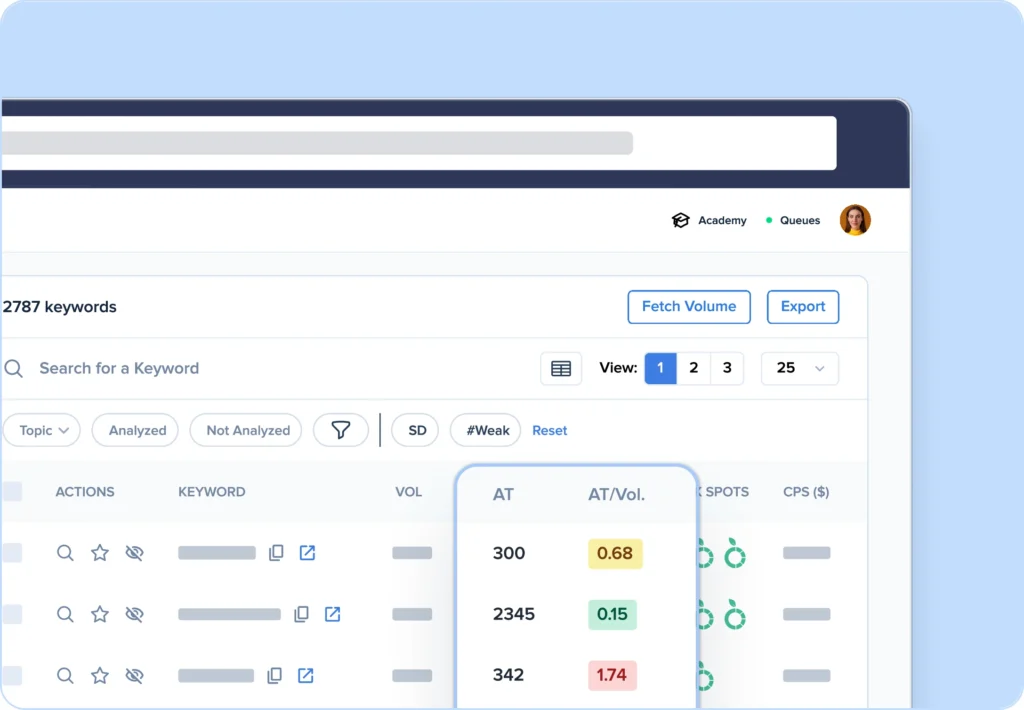
View Keyword Golden Ratios in Seconds
Traditional keyword research leaves you guessing about ranking probability. Our real-time KGR calculator instantly analyzes Google’s allintitle data to identify keywords with perfect golden ratios.
With live data validation and automatic opportunity scoring, you’ll never waste time on impossible-to-rank keywords again.
COMPETITION SCANNER
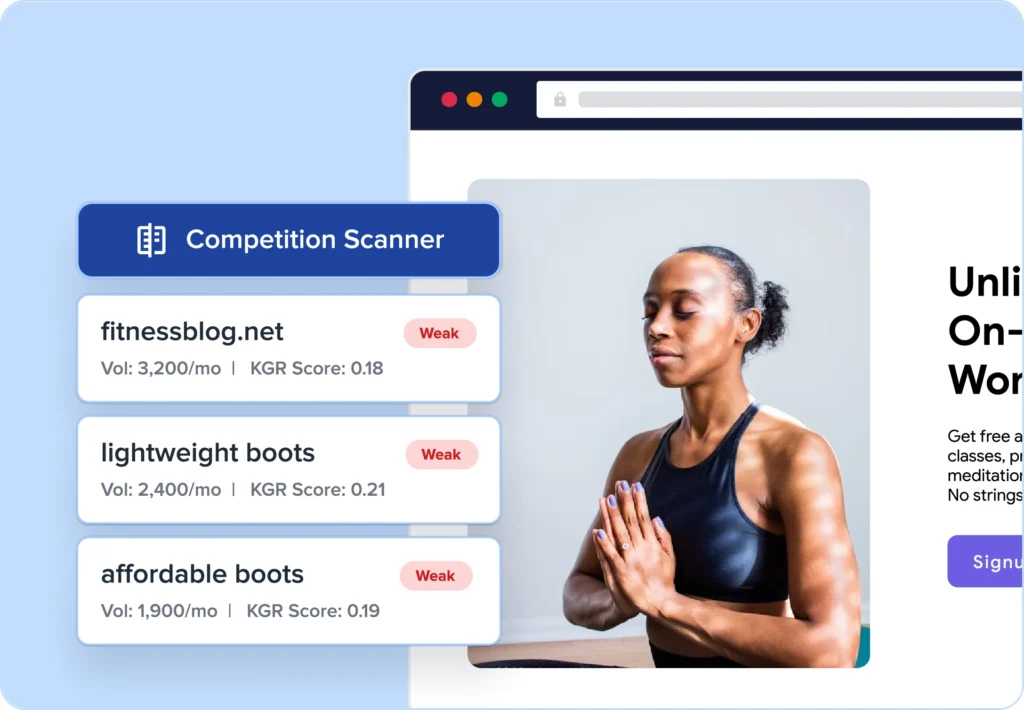
Spot Weak Competitors Instantly
Most keyword tools miss the hidden gems hiding in plain sight. Our advanced competition scanner continuously monitors Google’s index to find keywords with minimal competition but meaningful search volume.
Using proprietary algorithms, we identify perfectly balanced KGR opportunities before your competitors discover them.
BULK ANALYSIS
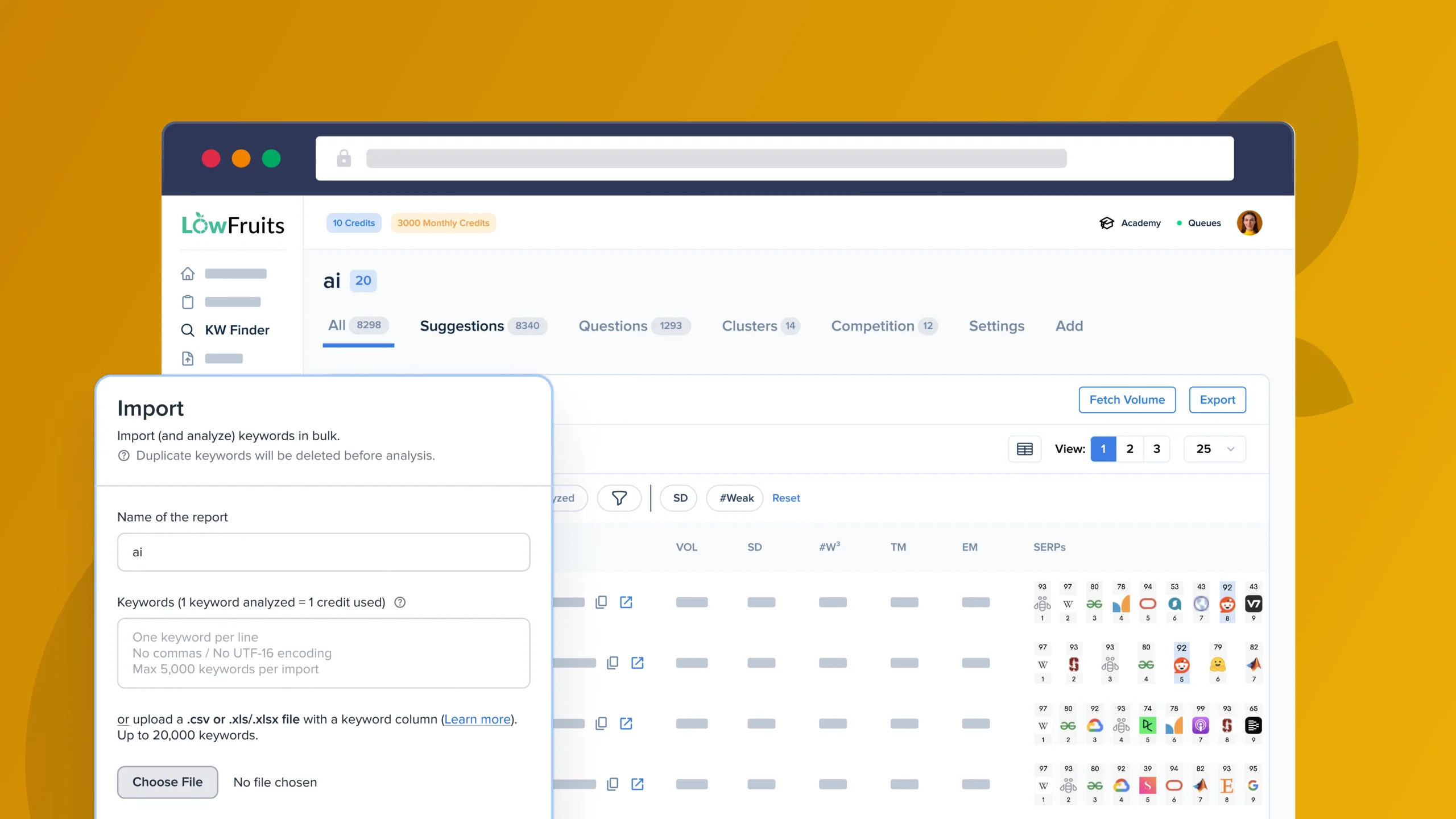
Analyze Hundreds of Keywords in No Time
Manual KGR calculation is painfully slow. Our bulk analyzer processes hundreds of keywords simultaneously, identifying perfect golden ratio opportunities in minutes instead of hours.
Export keyword reports with one click, complete with difficulty scores and KGR (AT/VOL) data.
Here’s What Our Users Have to Say
You don’t just have to take our word for it. See how real people and companies use LowFruits to rank for more keywords and generate organic traffic.
Get Allintitle & KGR Data Faster Than Ever Before
LowFruits is packed with powerful, beginner-friendly features that make core SEO tasks easy. Here’s a preview of what else you can get with the Allintitle & KGR Tool.
Bulk SERP Checker
Analyze thousands of keywords in seconds and identify weak spots in SERPs to generate more traffic in record time.
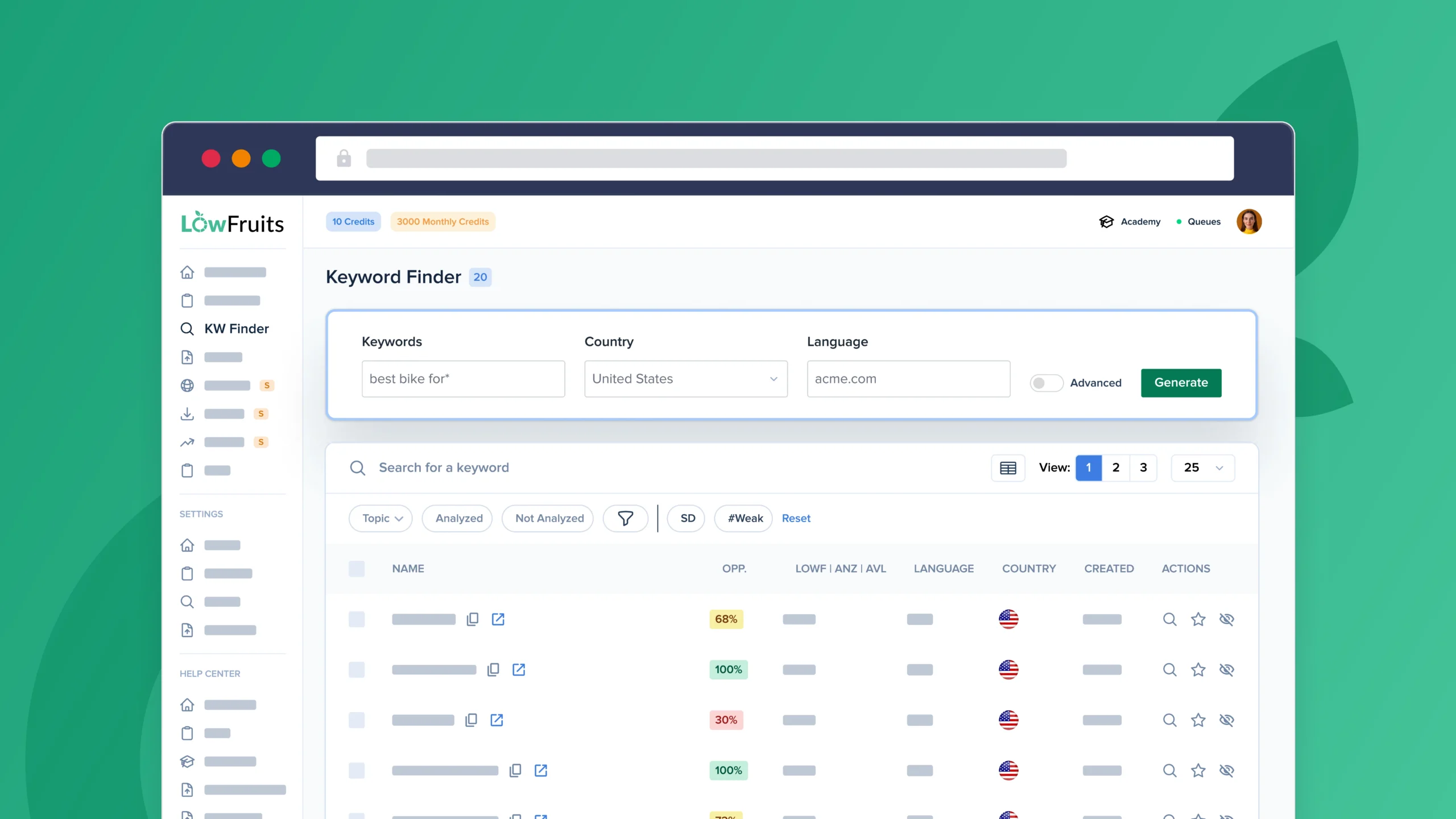
Keyword Finder
Discover long-tail keywords with low competition in SERPs. These hidden ranking gems help you rank high — and fast.
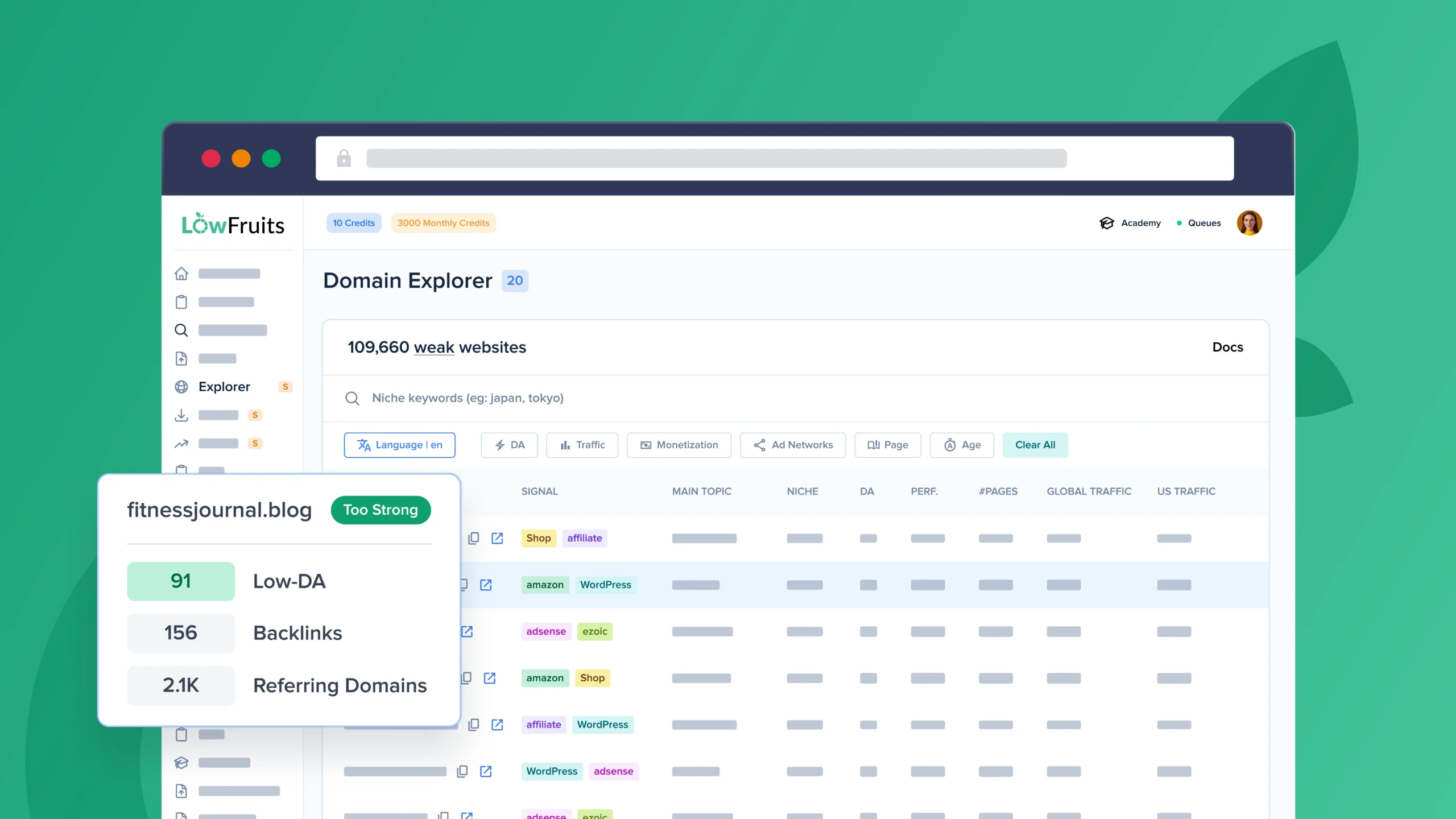
Domain Explorer
Explore our database of over 100K low-authority websites. Identify weak competitors in your niche that you can easily outrank.
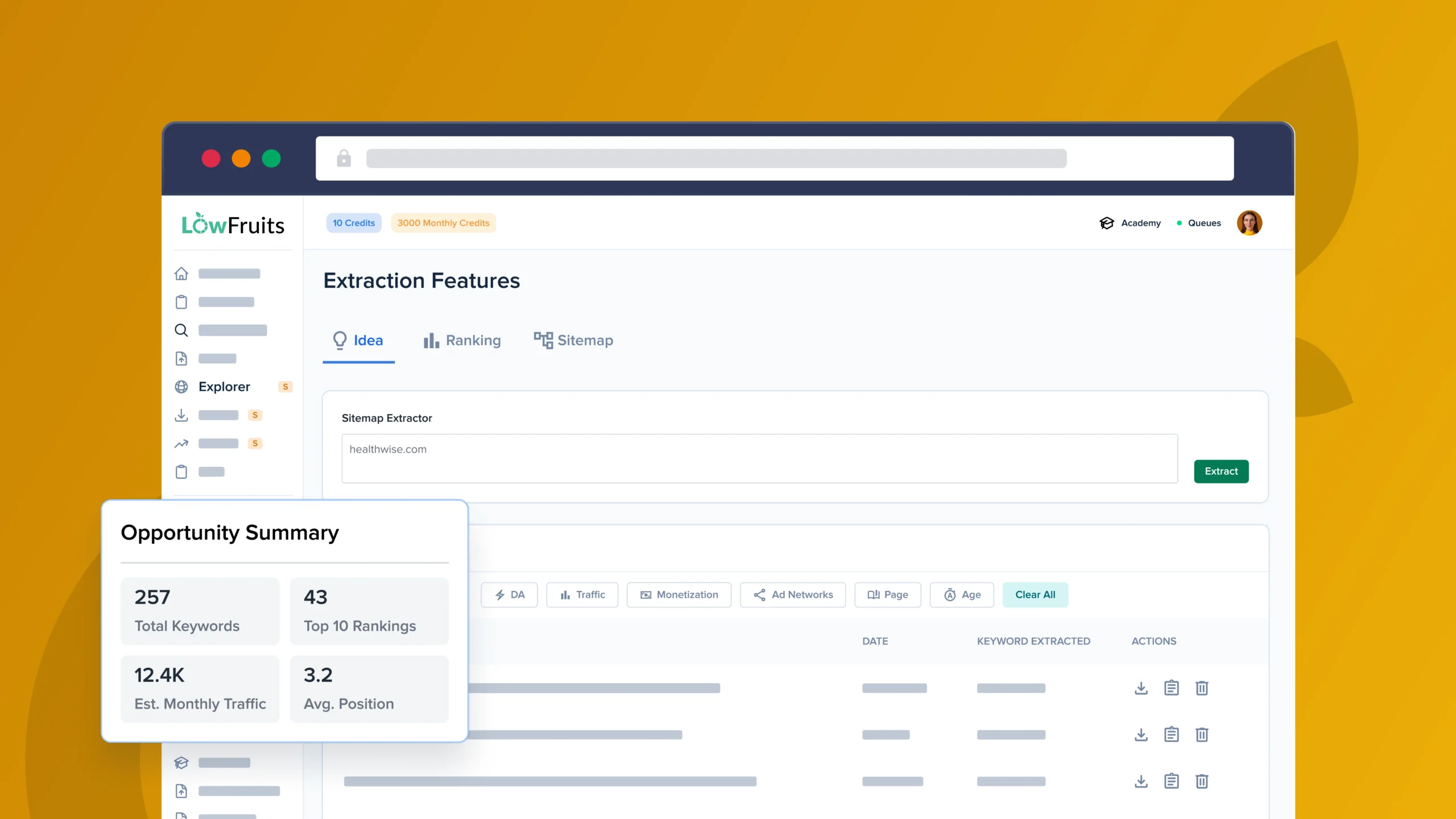
Keyword Extractor
Uncover competitors’ keywords, ranking positions, and content gaps to improve your own SEO strategy.
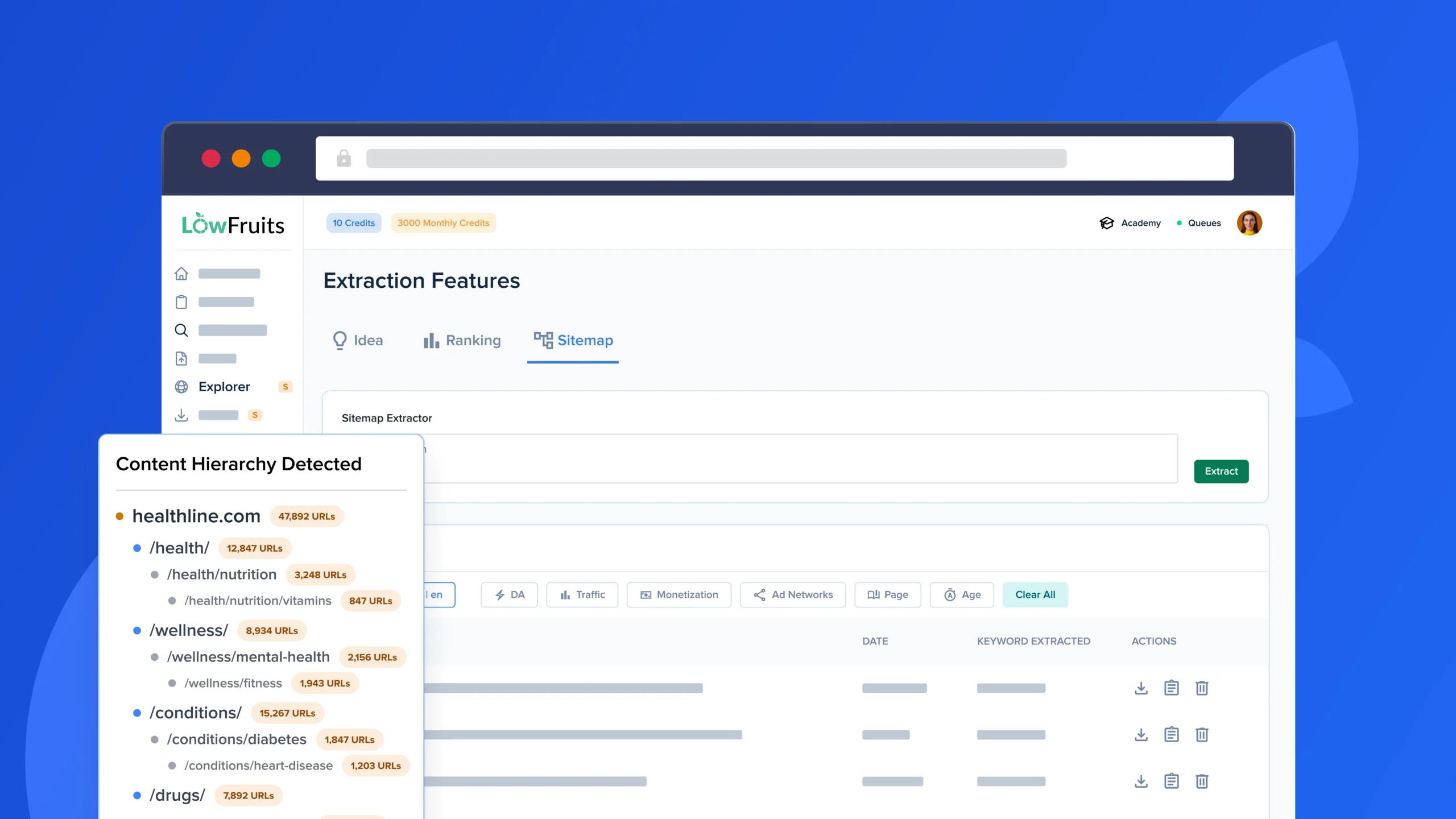
Sitemap Extractor
Extract competitors’ sitemaps to reveal their content strategies and find keyword opportunities for your website.
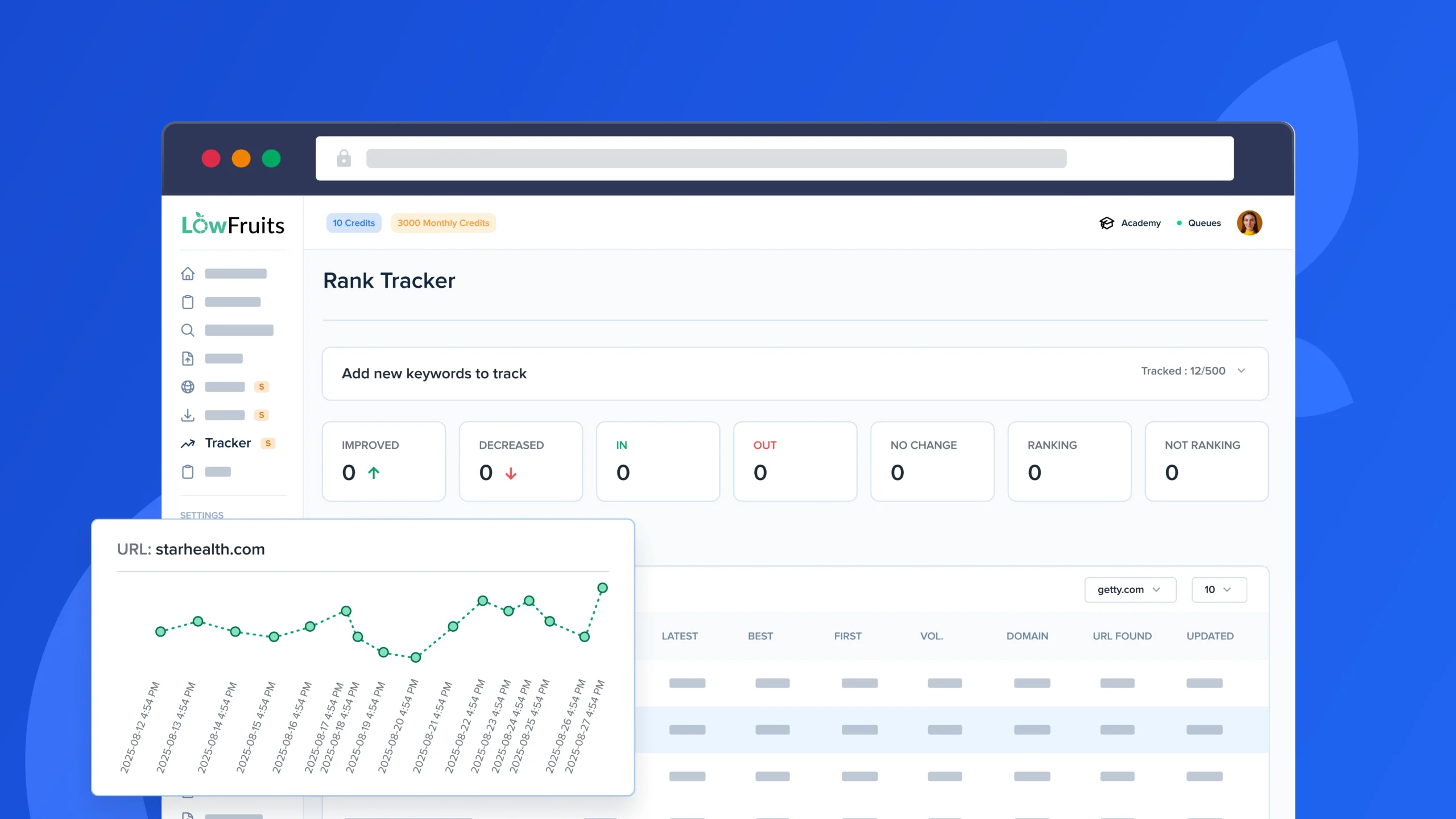
Keyword Rank Tracker
Track your most important keywords in Google and their position changes over time with easy visuals and reliable data.
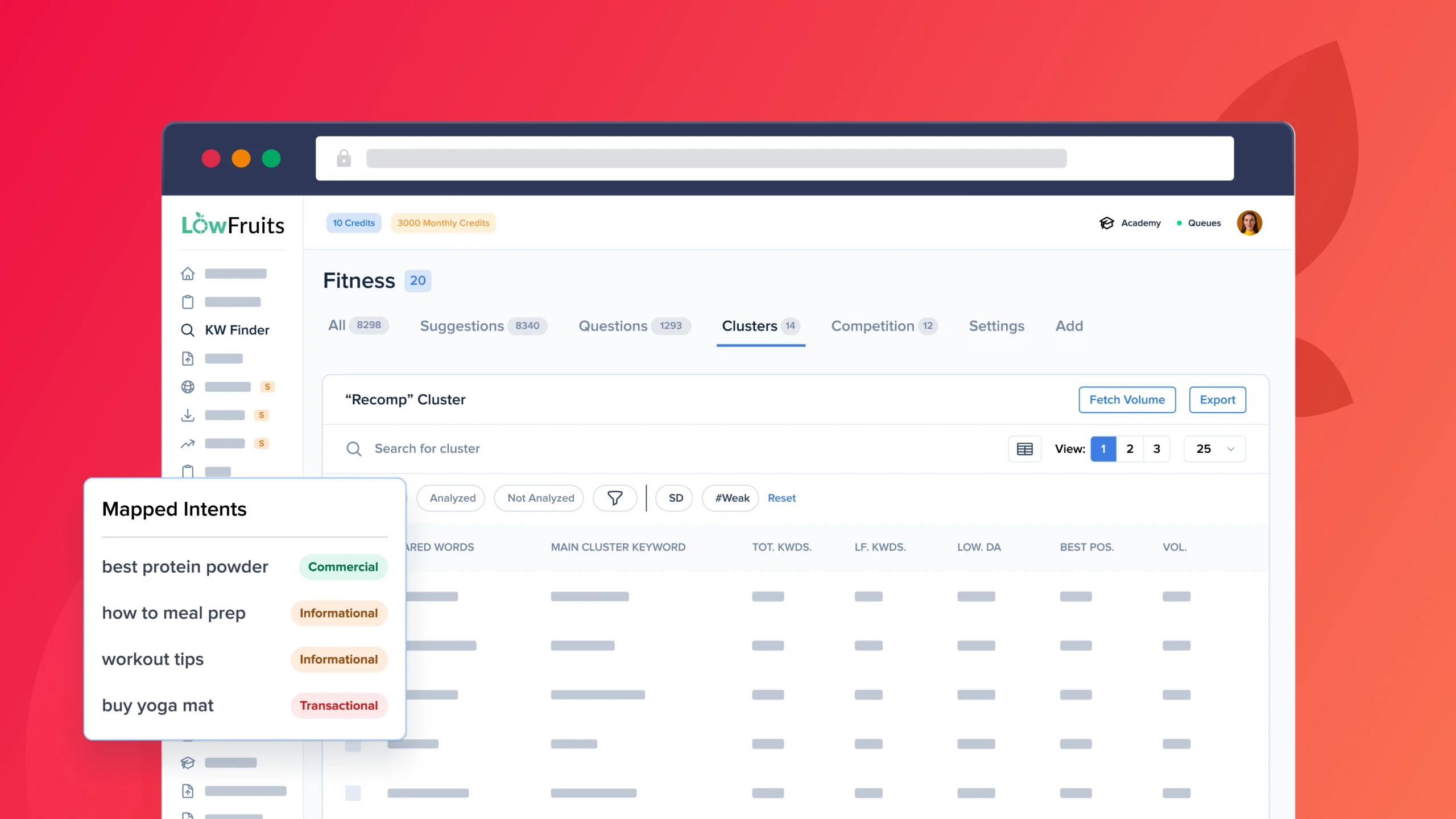
Keyword Clustering Tool
Group keywords by search intent or semantics to create content that ranks for multiple queries and builds topical authority.
The Best Allintitle & KGR Tool for Competitive Analysis
Get a clear picture of the competition for any keyword & improve your SEO.
FAQs About LowFruits’ Allintitle & KGR Tool
Get quick answers about extracting allintitle and Keyword Golden Ratio data in LowFruits. If your question is not listed here, then please contact us.
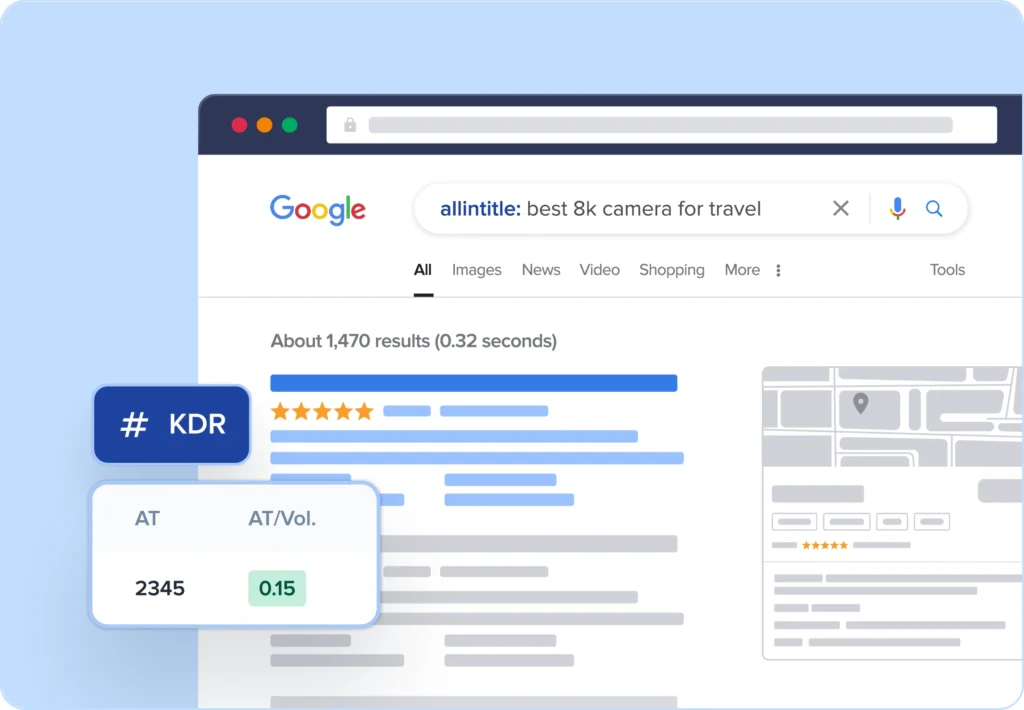
The allintitle operator is a search command that shows how many web pages have your exact keyword in their HTML title tags. This is important because title tags are one of the strongest on-page SEO signals, and pages with your keyword in the title are your direct competitors for that search term. These insights help you identify keywords where fewer competitors are specifically targeting that exact phrase.
The Keyword Golden Ratio (KGR) is a formula that compares the number of allintitle results to the monthly search volume for a keyword. It’s calculated by dividing the allintitle count (AT) by the monthly search volume (VOL). For example, if a keyword has 10 allintitle results and 100 monthly searches, its KGR would be 0.1.
Generally, a KGR under 0.25 indicates a low-competition opportunity that’s relatively easy to rank for, especially for newer websites. Values between 0.25 and 1.0 suggest moderate competition, while anything above 1.0 typically indicates higher competition relative to search demand.
Fetching allintitle data requires 1 credit per keyword. This applies whether you’re checking individual keywords or processing them in bulk. Regular subscribers get unlimited keyword searches, but allintitle data extraction uses credits from your plan allocation. The credit is used only when you specifically request the allintitle data—regular keyword analysis without allintitle doesn’t consume credits.
The time required to fetch allintitle data varies depending on the number of keywords you’re analyzing. We retrieve fresh data directly from Google for each keyword, so larger requests take additional time. If you need results quickly, we recommend starting with smaller batches.
Yes! All data from your keyword analysis, including the AT (Allintitle) and AT/VOL (KGR) metrics, can be exported as a spreadsheet. This allows you to incorporate these metrics into your existing keyword research workflows and share insights with your team.
The Allintitle & KGR Tool is available to both PAYG users and subscribers. To learn more about each plan, visit our pricing page.

